Build 5
Shipped: 2023.06.30
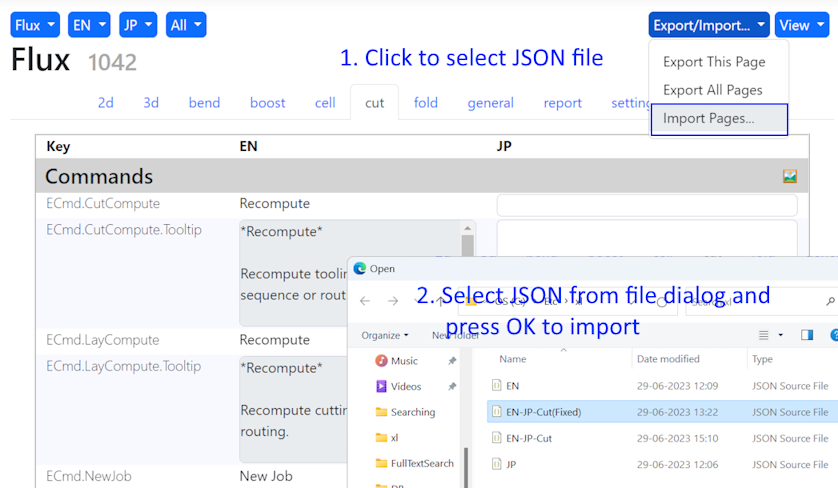
JSON import is supported now in build 5. Use the Import Pages… command from the the Export/Import drop-down to import the translated JSON file. Select the JSON file when prompted and press OK to begin the import.
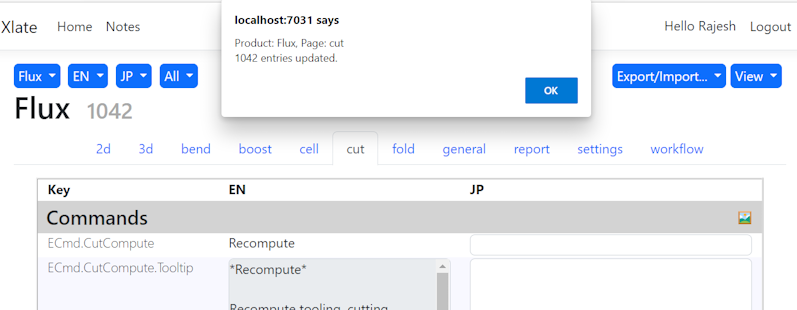
An import alert is displayed with the updated entries count.
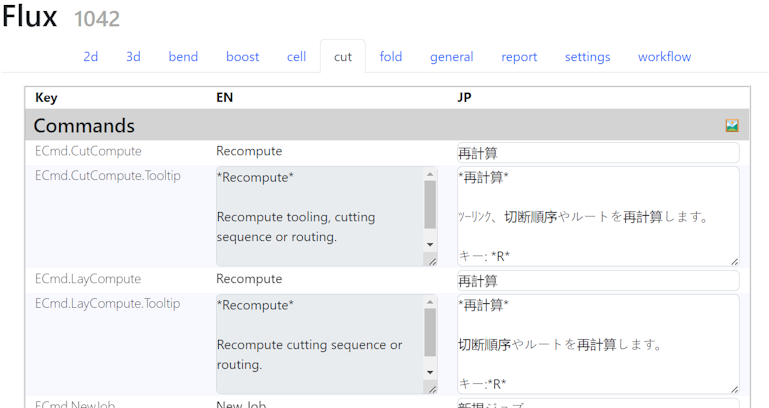
Press OK to refresh the page and view the translated content.
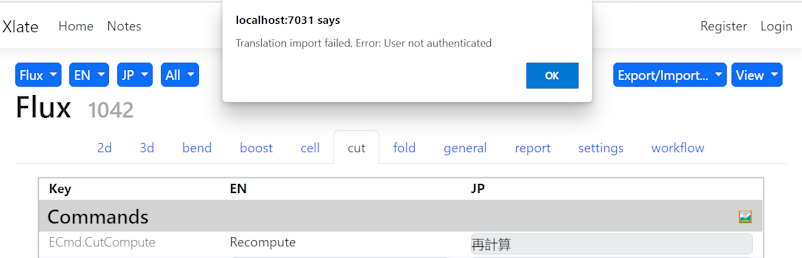
Note: You need to be signed-in to the translation service to update the translation. An error alert is displayed for the unauthenticated users.